Step 1
Choose a passage.
Start with a chapter, a verse range, or one of the Bible books below.
Choose a book, chapter, passage, or translation and practice typing Scripture with progress tracking built in.
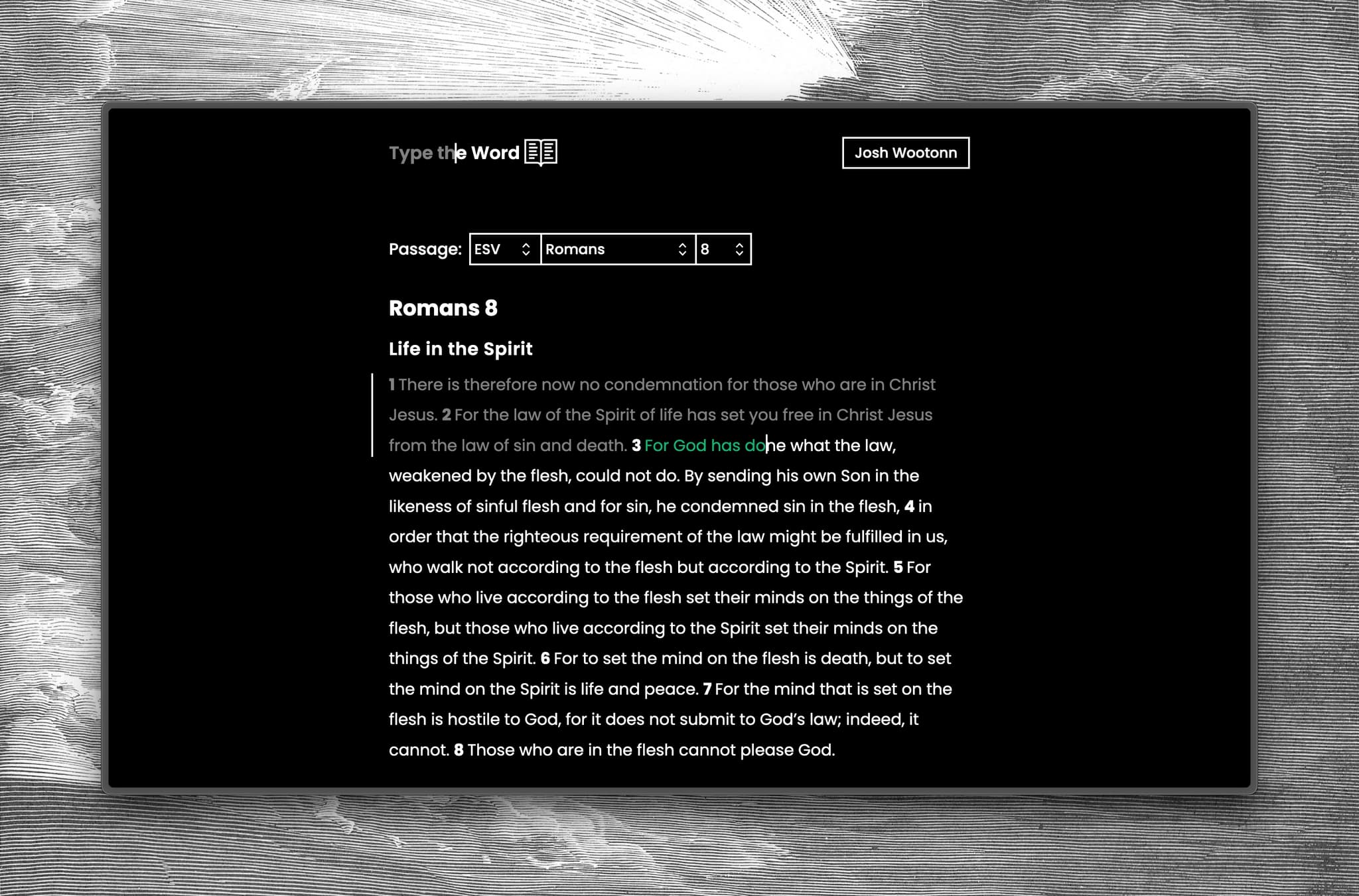
Start at chapter 1, then keep moving through Scripture as you practice.
Begin with Genesis, Psalms, Isaiah, or any Old Testament book.
Start with Matthew, John, Romans, James, or any New Testament book.
Simple enough for a quick practice session, structured enough for typing through a whole book.
Step 1
Start with a chapter, a verse range, or one of the Bible books below.
Step 2
The typing view keeps the passage in front of you so practice stays tied to Scripture.
Step 3
Progress, accuracy, and words per minute help you see what you have typed and where to continue.
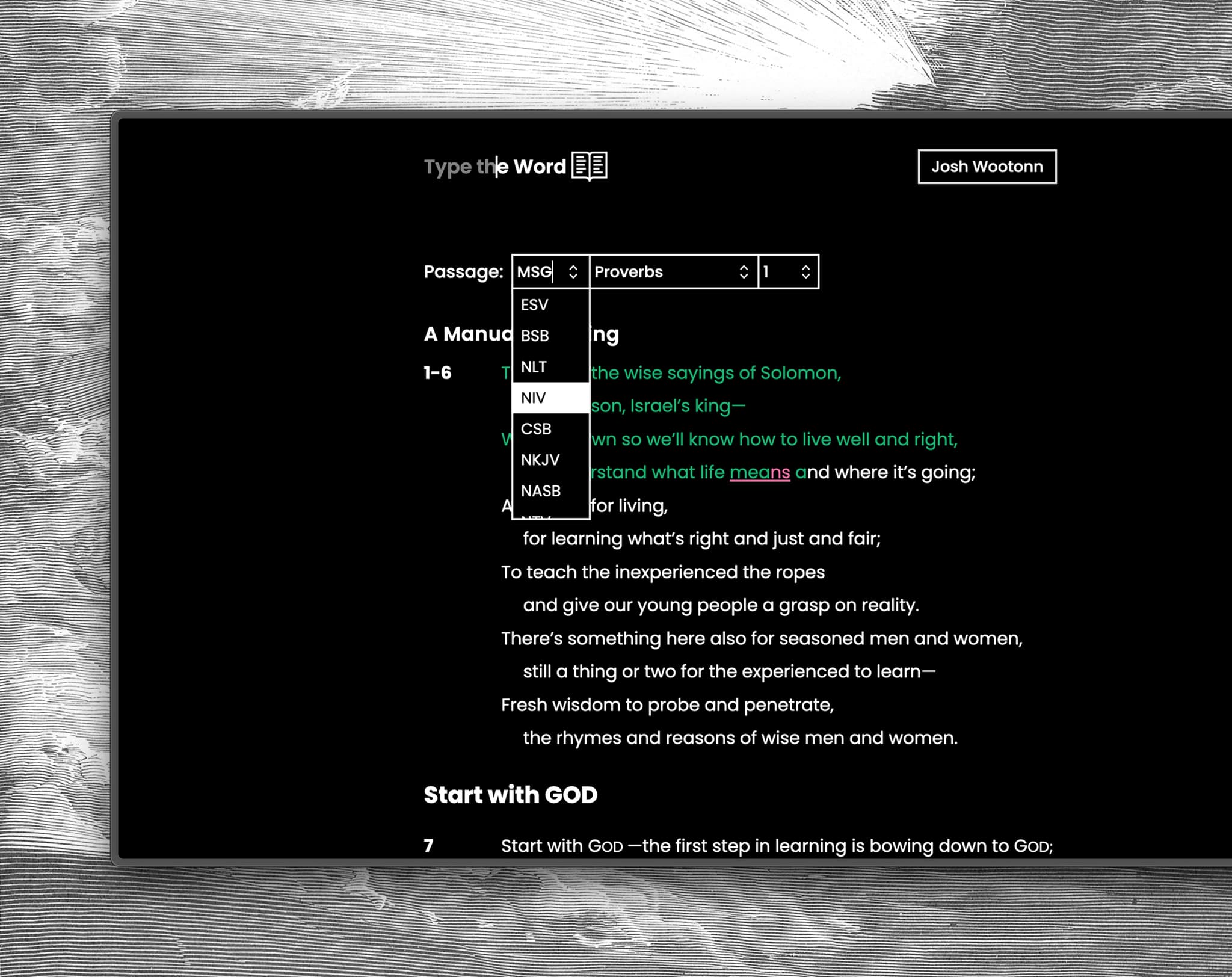
Choose from ESV, BSB, NLT, NIV, CSB, NKJV, NASB, NTV, MSG and keep the passage in front of you as you type.
Type the Word also supports Bible typing assignments, memorization goals, and student progress tracking through Google Classroom.
A few practical notes for typing Scripture online.
Yes. You can start with a single chapter, keep moving through a book, and use your progress history to pick up where you left off.
Yes. Using Type the Word as an individual is free.
Type the Word currently supports ESV, BSB, NLT, NIV, CSB, NKJV, NASB, NTV, MSG.
Yes. After you type, Type the Word can track typed verses, accuracy, words per minute, and progress by passage.
Yes. Teachers can use Type the Word with Google Classroom to assign passages, organize goals, and review student progress.